The following organizations and agencies offer additional resources and information about cybersecurity and how to protect your home.
Cybersecurity and Infrastructure Security Agency (CISA)
CISA provides a variety of cybersecurity resources for individuals and households. Their Stop.Think.Connect. campaign offers practical tips and advice to protect personal devices, secure home networks, and avoid online scams and cyber threats.
Federal Trade Commission (FTC)
The FTC offers guidance for consumers on protecting personal information, securing devices, and avoiding fraud. Their resources include the Consumer Information section, which covers topics like identity theft, online security, and data protection for homes.
National Institute of Standards and Technology (NIST)
NIST’s Cybersecurity Framework can also be applied to personal cybersecurity practices. It offers detailed information on password management, encryption, and securing home networks to ensure strong data protection for individuals and families.
Federal Communications Commission
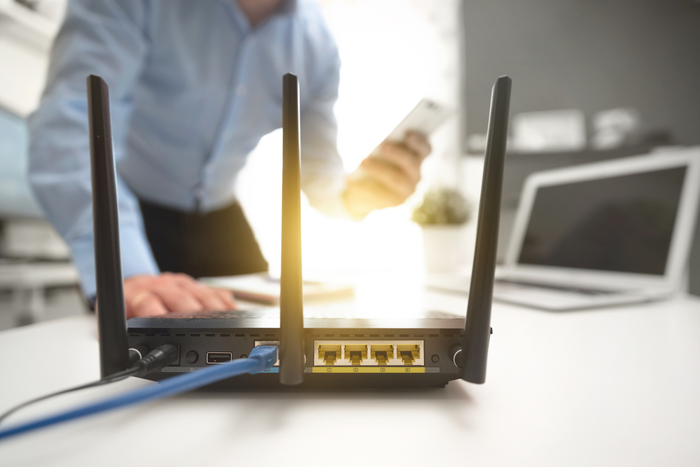
The FCC offers cybersecurity tips to help protect your home’s internet connection and devices. They advise on securing wireless routers, preventing unauthorized access, and protecting personal information when using connected devices at home.
Federal Bureau of Investigation (FBI) - Internet Crime Complaint Center (IC3)
The FBI’s IC3 allows individuals to report cybercrimes, such as identity theft, phishing, or ransomware attacks. They also provide updates on the latest cyber threats and fraud schemes targeting households.
Department of Justice (DOJ) - Computer Crime and Intellectual Property Section (CCIPS)
The DOJ CCIPS offers information on cybercrime and internet safety for individuals and families. Its focus is on combating cybercrime, providing tips for securing personal devices, and educating the public on staying safe online.


.jpg/_jcr_content/renditions/cq5dam.web.1280.1280.jpeg)